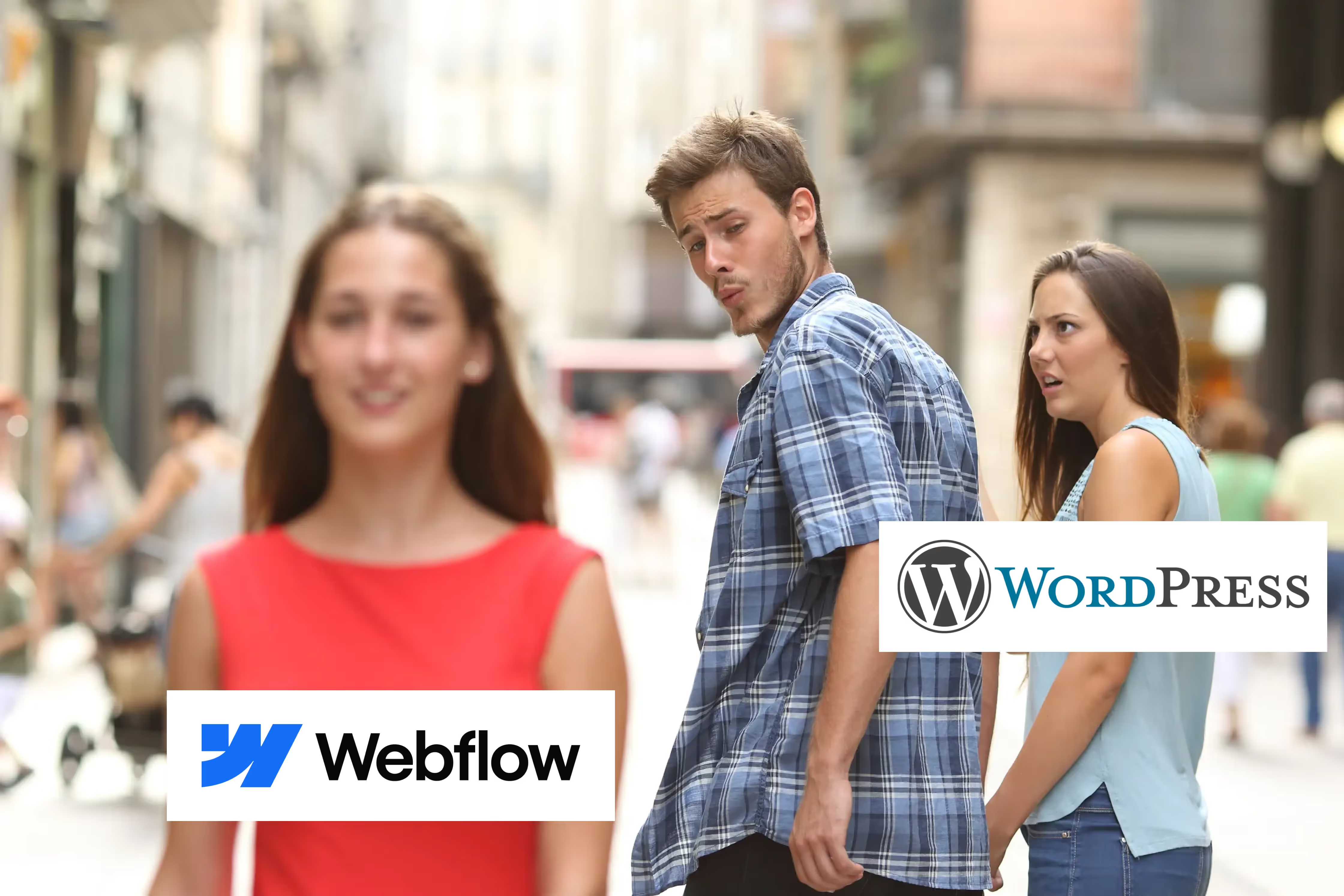

1. Lietošanas ērtums: dizaineriem paredzēti Drag-and-drop veidotāji
WordPress Elementor:
Elementor is a page builder plugin for WordPress, designed to give users more control over their site’s layout through a drag-and-drop interface. While Elementor makes WordPress easier to use, there’s still a layer of complexity. You need to manage plugins, themes, and hosting separately, which can become overwhelming for non-technical users. Plus, Elementor is an add-on to WordPress, meaning you still need to learn the WordPress platform in addition to mastering Elementor’s interface.
Elementor ir lapu veidotāja spraudnis WordPress platformai, kas izstrādāts, lai lietotājiem sniegtu lielāku kontroli pār savas vietnes izkārtojumu, izmantojot vilkšanas un nomešanas saskarni. Lai gan Elementor padara WordPress lietošanu vieglāku, joprojām pastāv zināma sarežģītība. Spraudņi, dizaina veidņi un hostings ir jāpārvalda atsevišķi, kas var būt pārāk sarežģīti lietotājiem bez tehniskām zināšanām. Turklāt Elementor ir WordPress papildinājums, kas nozīmē, ka papildus Elementor saskarnes apguvei jums joprojām ir jāapgūst WordPress platforma.
Webflow:
Webflow ir universāla platforma. Tās vizuālais redaktors ļauj jums veidot, pielāgot un ieviest vietnes, nepārvaldot spraudņus vai neuztraucoties par koda rakstīšanu. Viss notiek vienā vidē, sākot no izkārtojuma līdz CMS un hostingam, kas ievērojami vienkāršo procesu.
Verdict:
Lai gan Elementor uzlabo WordPress lietotāja pieredzi, Webflow piedāvā vienmērīgāku, integrētāku un intuitīvāku procesu — ideāli piemērots lietotājiem, kuri vēlas koncentrēties uz dizainu, neriskējot ar WordPress sarežģītību. Webflow Designer ir arī daudz labāk pazīstams ar citiem dizaina rīkiem, piemēram, Figma, Adobe XD un citiem.
2. Design Flexibility: Templates vs. Full
customization
WordPress Elementor:
Elementor gives users a lot of flexibility, especially compared to the basic WordPress editor. With Elementor, you can drag-and-drop elements, customize layouts, and make your site responsive. However, you're often tied to pre-made themes or templates, which means full creative freedom can still be limited unless you dig into custom code. You also need to be cautious with theme compatibility, as some themes work better with Elementor than others.
Webflow:
Webflow provides total design freedom. There are no pre-set themes or template limitations. Whether you want to create a highly complex, interactive site or a minimal, elegant one, Webflow’s visual interface allows you to build anything from scratch. Animations and interactions are built right into the platform, giving you the ability to create dynamic, modern websites without additional tools or plugins.
Verdict:
While Elementor offers a solid design experience, Webflow gives you full control over every pixel—no templates required. For businesses that prioritize custom, visually stunning designs, Webflow is the superior choice.
3. Content management and updates
WordPress Elementor:
WordPress is known for its powerful CMS, and Elementor integrates well with this system. However, managing your content with WordPress often means dealing with multiple plugins, especially for things like SEO, backups, and performance optimization. Also, content updates sometimes require navigating between the WordPress backend and Elementor’s page builder, which can feel disjointed.
Webflow:
Webflow’s CMS is simple yet powerful, allowing you to structure your content in dynamic, customizable ways. Managing your blog, portfolios, or product pages is intuitive and happens within the same environment as the design editor, ensuring a seamless experience. Updating content is faster because everything is built-in—there’s no need to juggle plugins or switch between interfaces.
Verdict:
Webflow’s integrated CMS offers more ease of use and flexibility than managing content through WordPress and Elementor, especially for users who want simplicity without sacrificing power.
4. Plugins and dependencies
WordPress Elementor:
WordPress’s vast plugin ecosystem is one of its major selling points. However, this can also be a downside. Elementor is just one of many plugins you’ll need to achieve full functionality on WordPress. Plugins for SEO, performance, forms, and security are typically required, and managing multiple plugins can introduce compatibility issues, slow down your site, and create security vulnerabilities.
Webflow:
Webflow minimizes plugin dependency by offering built-in features that you would typically need plugins for in WordPress. Features like SEO optimization, site speed, animations, and forms are all baked into the platform. You won’t need to worry about compatibility issues or keeping dozens of plugins updated. Webflow also integrates with popular tools like Google Analytics, Zapier, and HubSpot without needing third-party plugins.
Verdict:
While WordPress Elementor offers flexibility through plugins, Webflow’s all-in-one approach eliminates the need for most plugins, making your website easier to manage and more secure.
5. SEO capabilities
WordPress Elementor:
WordPress and Elementor can be optimized for SEO, but you’ll likely need a plugin like Yoast SEO or Rank Math to handle things like meta tags, XML sitemaps, and content analysis. The quality of your theme and plugins can also impact your site’s SEO performance, especially when it comes to load times and mobile responsiveness.
Webflow:
Webflow is designed with SEO in mind. From the moment you build your site, Webflow ensures clean, semantic code, which search engines love. SEO tools like meta tags, alt text, and redirects are built into the platform, so you don’t need a third-party plugin. Webflow also ensures fast load times and automatic SSL, both of which are key factors in SEO rankings.
Verdict:
While WordPress Elementor is SEO-friendly with the right plugins, Webflow’s built-in SEO features and clean code make it a better option for users looking to optimize without relying on extra tools.
6. E-commerce capabilities
WordPress Elementor:
E-commerce on WordPress typically involves the WooCommerce plugin, which works well with Elementor but can be complex to manage. WooCommerce requires multiple add-ons for things like payments, shipping, and taxes, making the setup more time-consuming. While WooCommerce is highly customizable, the sheer number of plugins involved can make it harder to manage and troubleshoot over time.
Webflow:
Webflow’s e-commerce platform is fully integrated, providing an intuitive, visually-driven way to build online stores. You can create fully customized product pages, checkout processes, and shopping carts—all without needing extra plugins. It’s especially ideal for businesses looking for a seamless, design-first e-commerce experience. Webflow may not match WooCommerce’s extensive features, but for most small to medium-sized online stores, it offers everything you need.
Verdict:
If you’re looking for simplicity and a design-forward e-commerce solution, Webflow is the clear winner. WooCommerce offers more extensive features but at the cost of added complexity.
7. Hosting and security
WordPress Elementor:
With WordPress Elementor, you’re responsible for finding your own hosting provider. While this gives you flexibility, it also means you have to manage site performance, backups, and security. You’ll likely need security plugins and a hosting service that can handle updates and protect against hacking attempts. Many users experience slow load times if they don’t invest in high-quality hosting.
Webflow:
Webflow takes care of hosting for you. Powered by Amazon Web Services (AWS) and integrated with Fastly, Webflow ensures your site is fast, secure, and always available. Automatic backups, SSL certificates, and CDN integration come built into the platform, giving you peace of mind without the technical hassle. You don’t need to worry about server management or security updates—Webflow handles it all for you.
Verdict:
Webflow’s fully managed hosting solution is ideal for businesses that want reliable performance and security without dealing with technical maintenance. Elementor leaves hosting and security in the hands of the user, which can be an added burden.
Final Thoughts: Why Webflow is the better choice
While WordPress with Elementor has long been a popular choice for building websites, Webflow offers a more modern, integrated, and intuitive approach. WordPress Elementor may be the right choice for users who want to manage complex e-commerce sites or have specific plugin needs, Webflow is the best solution for businesses looking for a faster, simpler, and more design-focused approach to website building.
.avif)